⚠️ DISCLAIMER ⚠️
To update the workspace icon in Microsoft Fabric currently the only way is to call an undocumented REST API. Since it is undocumented it can be changed without notice at any time by Microsoft, so use this information and code at your own risk.
How this came about…
Last year at the Microsoft Fabric Community Conference in Las Vegas (FABCON) in March 2025 I attended a session with Erwin de Kreuk and Peer Grønnerup where they among other topics talked about automating different aspects of Microsoft Fabric. Peer showed a demo where he used a Notebook on how to update icons for the workspaces based on different filtering criteria. He had also written a blog post on this topic and his notebook can be found here. Rather cool, I thought 🤩
All well and good, and after while I did not think so much more about it…until I recently decided to include the Fabric CLI in my coverage analysis of available tools calling the Microsoft Fabric REST API.
I remembered the possibilty that Peer had talked about and wondered…would it be possible to use the fab api command to do the same?
Let’s see…
Exploring the fab api command
The default for Fabric CLI is to use the Fabric REST API. When using the fab api command you can extend it to use other APIs and currently it is limited to 3 other APIs (a.k.a audiences):
- Power BI →
api.powerbi.com/v1.0/myorg - Azure →
management.azure.com - Storage → OneLake DFS
What if we could use the Power BI audience switch (-A powerbi) to call this undocumented API and get the workspace icon updated?
I had a look at Peer’s Notebook code and the endpoint he calls to update an icon is https://{cluster_base_url}metadata/folders/{workspace_id} where the variable cluster_base_uri in his code is a subset of the @odata.context field returned when you call the endpoint https://api.powerbi.com/v1.0/myorg/capacities. I saw some examples values of the cluster URI and it was nothing like the endpoints supported by Fabric CLI [sad trombone] 😞
But hey, let’s try anyways and see what we get when fetching data from the endpoint. Let’s go 🚀
Lo and behold, when calling the GET https://api.powerbi.com/v1.0/myorg/capacities equivalent in Fabric CLI → fab api capacities -A powerbi, it returns this value in the @odata.context field → https://api.powerbi.com/v1.0/myorg/$metadata#capacities, meaning this is an API which is supported but first we have to tweak it just a little bit.
Why this will work
fab api -A powerbibuilds under →https://api.powerbi.com/v1.0/myorg/- The endpoint that allows us to work with workspace icons is →
https://api.powerbi.com/metadata/folders/{workspaceId} - Use
../../metadata/folders/{workspaceId}to move from/v1.0/myorg/back to the host root →fab api -A powerbi "../../metadata/folders/{workspaceId}" - Which then will resolve to →
https://api.powerbi.com/metadata/folders/{workspaceId}
Requirements
- The endpoint only supports interactive user authentication and as a result it cannot be used for unattended automation with service principals
- You need to have Workspace Admin permissions on the target workspace
- The endpoint only supports PNG and JPG files and files cannot be larger than 45KB
Step by step updating a workspace icon
Step 0.
If you have not installed Fabric CLI yet, follow the instructions in the docs
Step 1 - Authenticate
fab auth login
Step 2 - Set variables
WORKSPACE_ID="<workspace-id>"
ICON_PATH="./workspace-icon.png"
Step 3. Prepare your icon payload
The endpoint expects the icon field to contain a PNG or JPG data URI. If your icon is SVG or another format, convert it to PNG first.
python3 -c 'import base64,json,os; p=os.environ["ICON_PATH"]; b=base64.b64encode(open(p,"rb").read()).decode(); print(json.dumps({"icon":"data:image/png;base64,"+b}))' > workspace-icon-payload.json
Depending on how your Python config is set up you either use python or python3
Step 4 - Upload or replace the icon
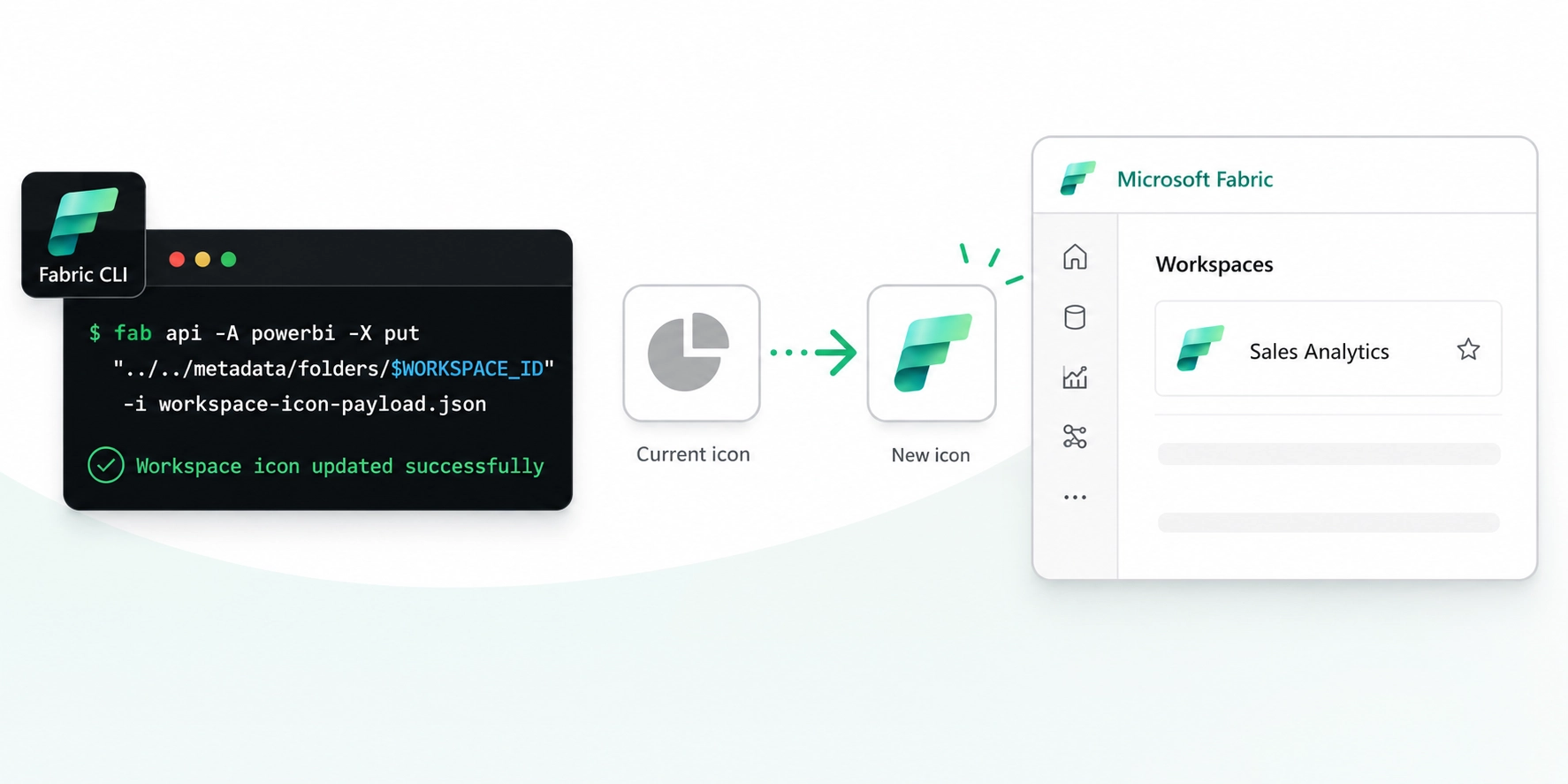
fab api -A powerbi -X put "../../metadata/folders/$WORKSPACE_ID" -i workspace-icon-payload.json
Step by step removing a custom Icon
Follow step 1 and 2 as above
Step 3b - Prepare a reset payload
printf '{"icon":""}\n' > workspace-icon-delete-payload.json
Step 4b - Updating the workspace with reset payload
fab api -A powerbi -X put "../../metadata/folders/$WORKSPACE_ID" -i workspace-icon-delete-payload.json
What if I don’ want to hack these commands one by one, but rather run a script?
I’ve got you!
I have gotten a Python script built taking the workspace-id and icon path as parameters.
In addition it currently supports:
- Workspace name (if you don’t have/want to use the workspace id)
- Update several workspaces based on tag memberships
- Update several workspaces based on matching string
- Converts automatically your svg file to png (installation of the free ImageMagick or cairosvg required)
- Convert automatically other image files to png (installation of the free ImageMagick required)
- A delete icon switch which supports both single and multiple matching workspaces
- A dry-run switch that shows you what will be done without performing the actual update/delete
- A inspect-only switch that returns the output from calling the workspace metadata endpoint
I have put the script in my (new) public repo for Microsoft Fabric helper scripts and you can find it here. You are free to come with suggestions/issues or feedback on how the can become an even better helper script. If you feel comfortable making changes/additions to it feels free to send a PR.
Ending words
This was a fun exercise for me and a workaround we can all partake to visually make our different workspaces stand out.
We can then only hope Microsoft at some point will take it to heart that this is something we want an official REST API for and preferably with service principal support 🤞
I hope you enjoyed this article, cause I for sure had fun exploring this 😅